A countermovement jump test in every player’s pocket
Three jumps, a couple of minutes, no extra hardware. AthleteArc measures jump height with the phone — or takes results from your own equipment — and watches for drops that signal fatigue.

Use the phone, or use what you have
Auto-detect uses the phone’s accelerometer: the player puts it in a sock or pocket and jumps. Manual entry takes heights from a jump mat, force plate, video app or wall measurement.
Whichever you use, the results land in the same place and feed the same trends.
- Three-jump protocol with a rest timer
- Best jump saved automatically
- Works for squads with no testing budget
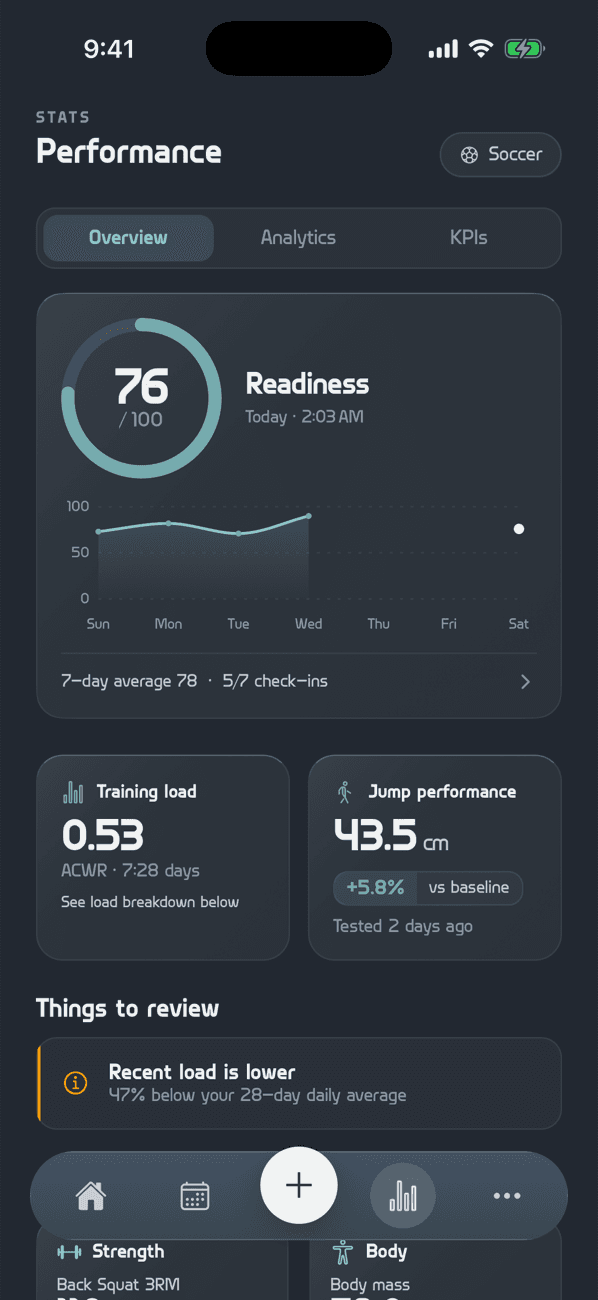
Jump height is an early warning
Fatigue flag
A 5%+ drop against the four-week average is flagged as possible neuromuscular fatigue.
Progress tracking
Jump height sits with the athlete’s other KPIs, with personal bests detected automatically.
Part of the picture
Jump-height drops feed the injury-risk flag alongside training load and soreness.
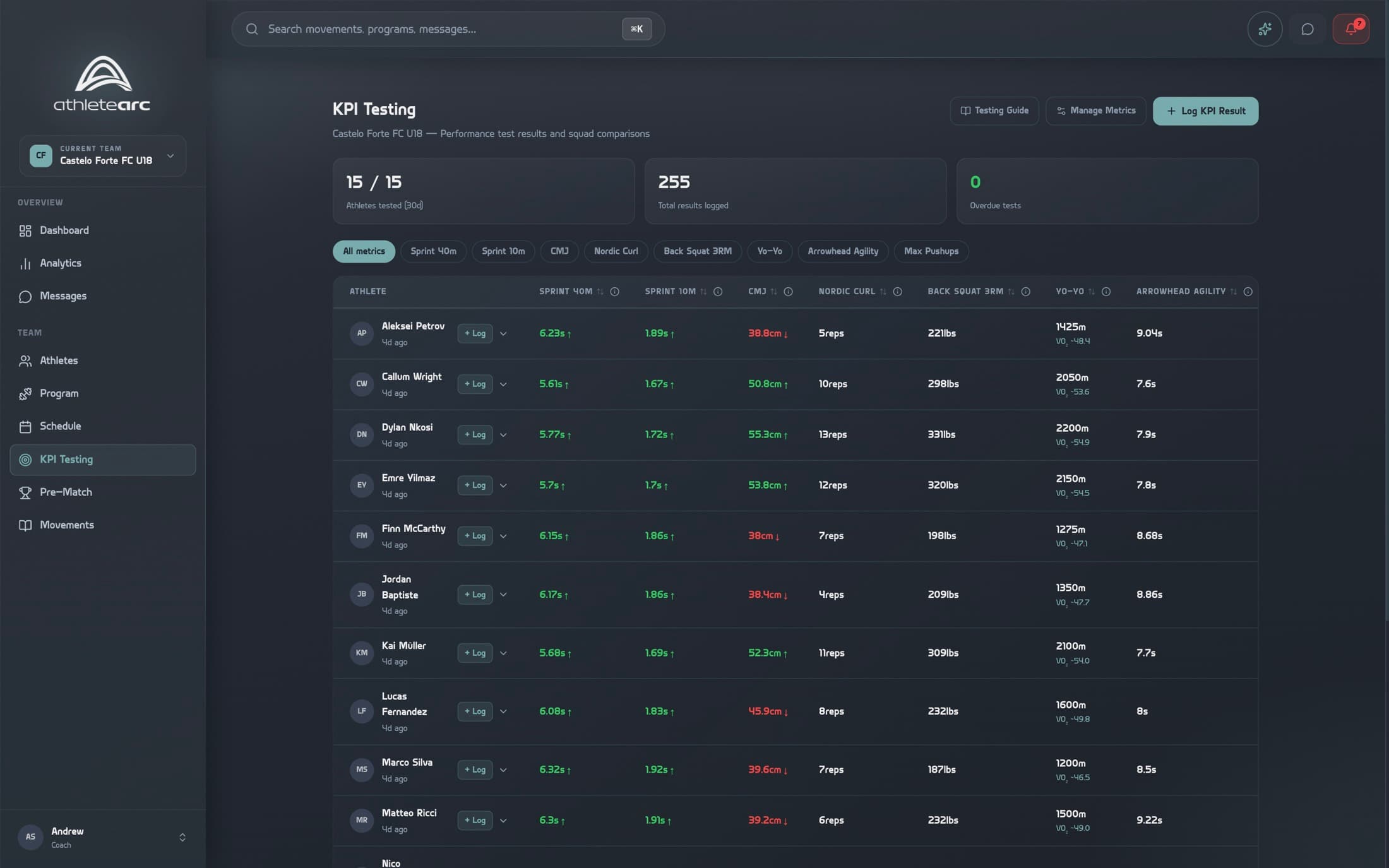
Jump results beside every other test
Countermovement jump sits with sprints, strength and fitness tests in the squad KPI table, with trends.